A game for them.
Your apps for you.
Let your child enjoy a moment on your phone without opening up the rest of your digital life.
 LocksteadGet Lockstead
Hand over your phone.
Keep your personal apps to yourself.
A little peace of mind when someone else has your device. Choose what stays private with Lockstead.
Download on theApp StoreFree to start · iOS 17 or later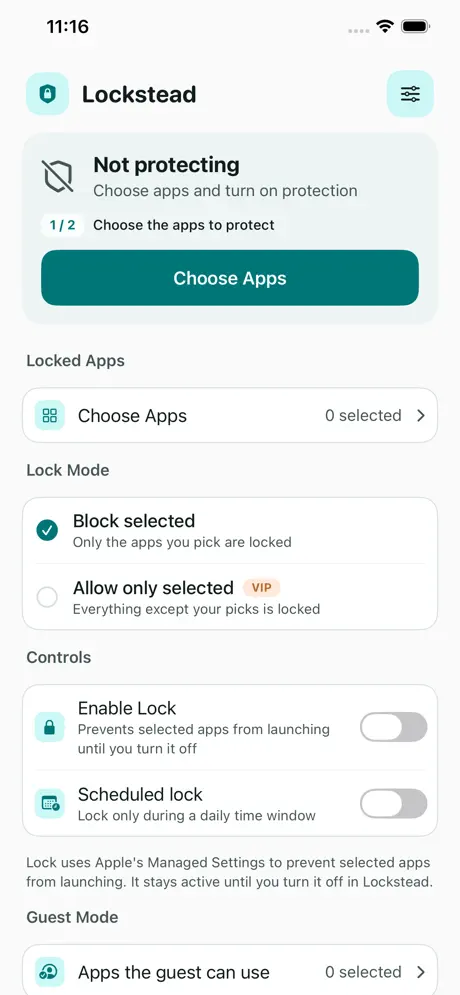 Actual app screenshot
Let your child enjoy a moment on your phone without opening up the rest of your digital life.
Showing a photo or lending your device shouldn’t mean giving someone a tour of everything on it.
Decide your boundaries before you hand over your phone, so you can stay present in the moment.
Set the boundaries that fit the moment.
Keep them easy to manage.
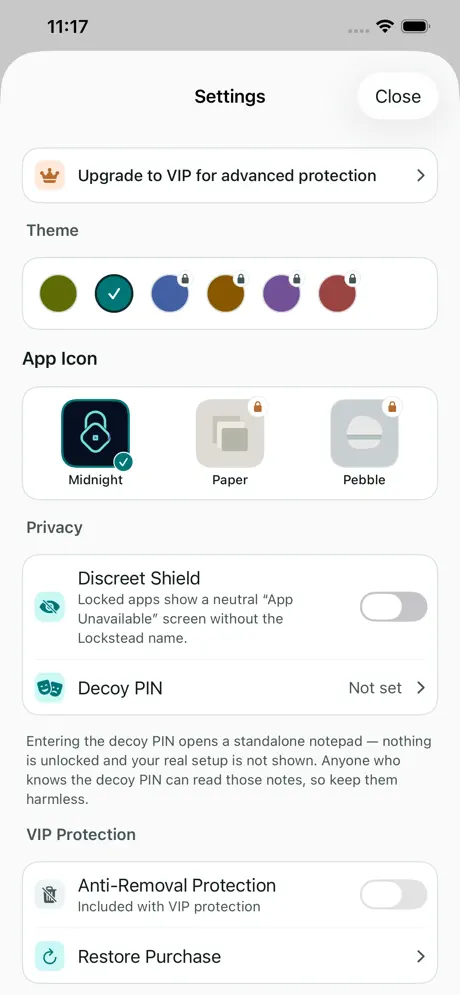
Block selected apps, with category and allow-only rules.
Guest Mode leaves only your chosen apps available.
Set daily windows or temporary access that restores automatically.
Use a six-digit PIN, with optional Face ID or Touch ID.
No account, backend server, advertising or analytics SDK. Your PIN and configuration stay on your device.
Read the privacy policyBuilt on Apple’s Screen Time technologies. Screen Time authorization is required.
Start with one app.
For more apps and more control.
Optional in-app purchases. Check the App Store for current plans and regional pricing.
An app lock and privacy guard for iPhone and iPad, especially when lending your device.
No. There is no signup or usage-data upload.
Lockstead uses Family Controls, Managed Settings and Device Activity to enforce your chosen restrictions.
iPhone and iPad running iOS or iPadOS 17 or later.
Yes. One-app core protection is free; VIP unlocks additional features.
The App Store listing has the current release notes, compatibility and purchase options.
For iPhone & iPad
| Product | Use it for |
|---|---|
| Lockstead | Restrict access to selected apps when lending your iPhone or iPad. |
| ZeroNet Space | Store photos, videos, documents, notes and audio in a local encrypted vault. |
| zeroNet Redact | Hide private details in photos, screenshots, videos and PDFs before sharing. |
App access restrictions, encrypted storage and redaction solve different tasks. Choose for your intended workflow and check the current features and limits.
Explore personal boundaries, device sharing and practical privacy workflows